MythLoco
A downloadable tool
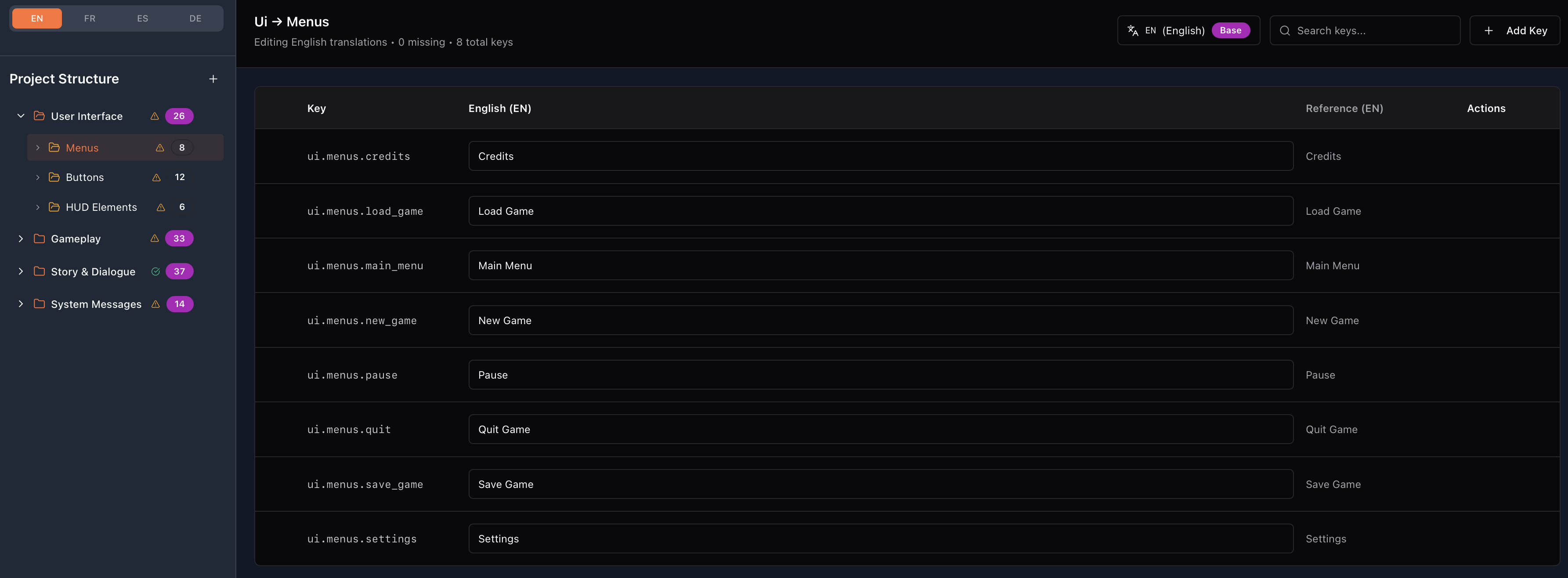
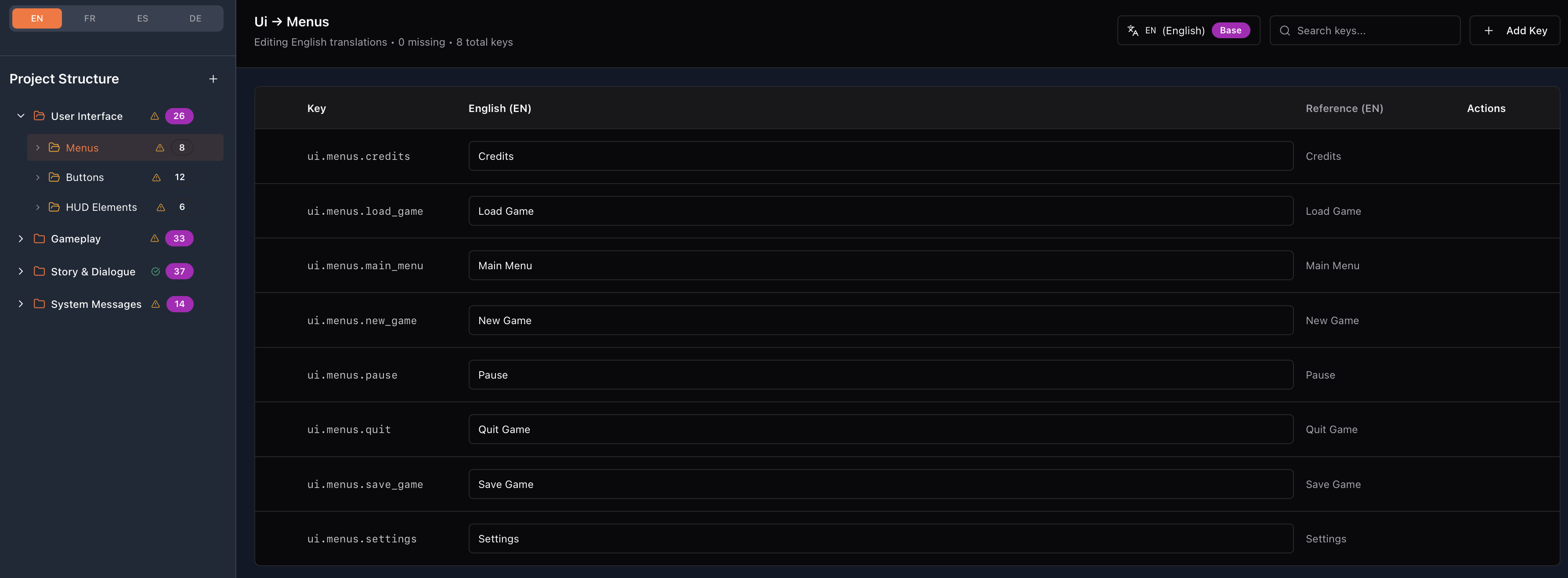
MythLoco — Localisation Toolkit for GameMaker Get localised text working in your game in minutes — not hours. MythLoco is a lightweight localisation system built for GameMaker developers. It combines a clean web-based editorfor organising and editing your game text with a simple SDK you drop into your project. Whether you’re supporting two languages or twenty, MythLoco keeps your workflow easy and organised.
What MythLoco Helps You Do
🎯 Create and manage all of your game’s text in one place
🌍 Support multiple languages with a language switching system
🧰 Export ready-to-use localisation files for GameMaker
⚡ Get up and running in just a few minutes
No need to build your own localisation tools — MythLoco does the heavy lifting so you can focus on making your game awesome.
Quick Start — What to Expect
In just a few minutes you’ll have:
- A localisation project with English and Spanish (or more!)
- A .mythloco file exported from the web tool
- Simple language switching working in your GameMaker project
Nothing fancy — just practical and effective localisation out of the box.
How It Works (Developer Flow)
1. Create your localisation file
Head to the online editor— create a new project, add languages, and define string keys with your text.
2. Export your MythLoco file
Save and export a .mythloco file from the editor and add it to your GameMaker project.
3. Initialize in GameMaker
Call the SDK’s init function (like initMythLoco("game_text.mythloco")) to load your localisation data.
4. Pull strings in your game
Use simple calls like locoGet("game.title") to fetch text for menus, dialogues, and UI.
5. Add dynamic language switching
Toggle between languages at runtime with ease — perfect for options screens.
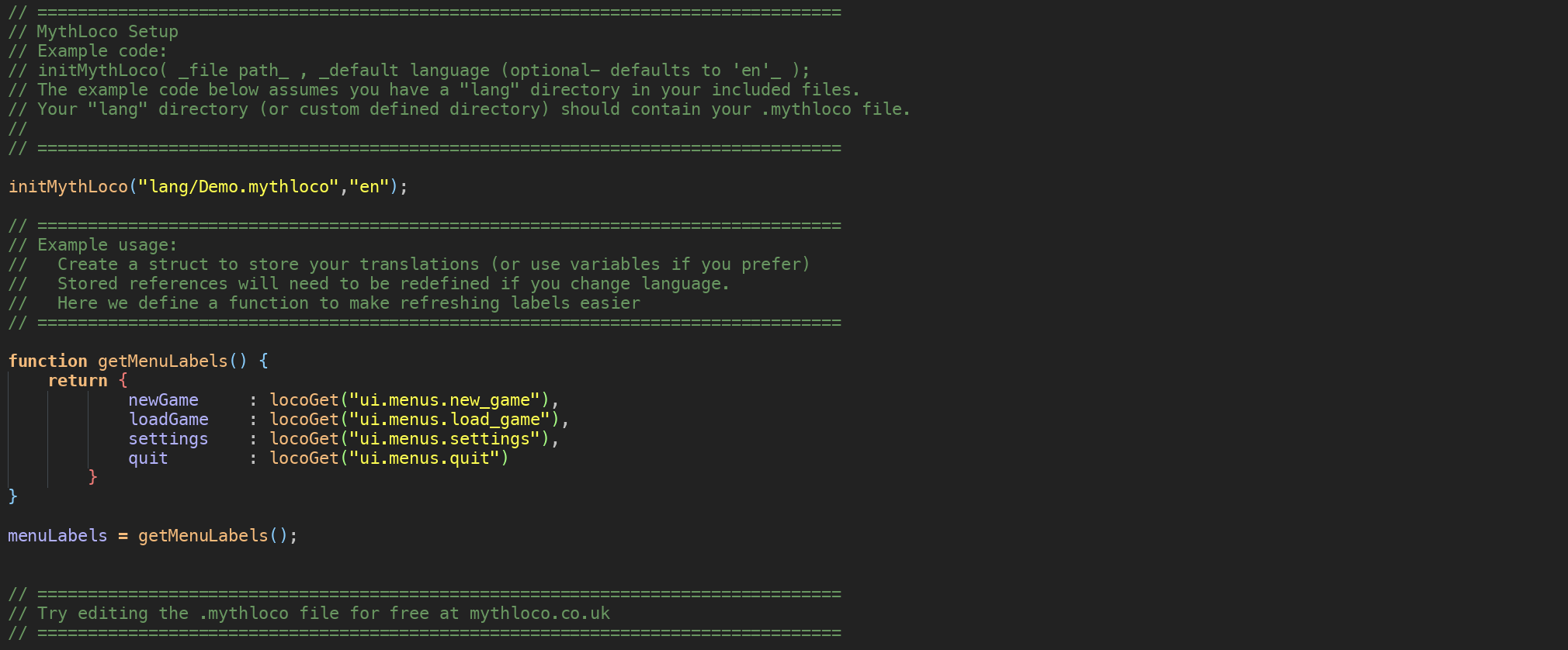
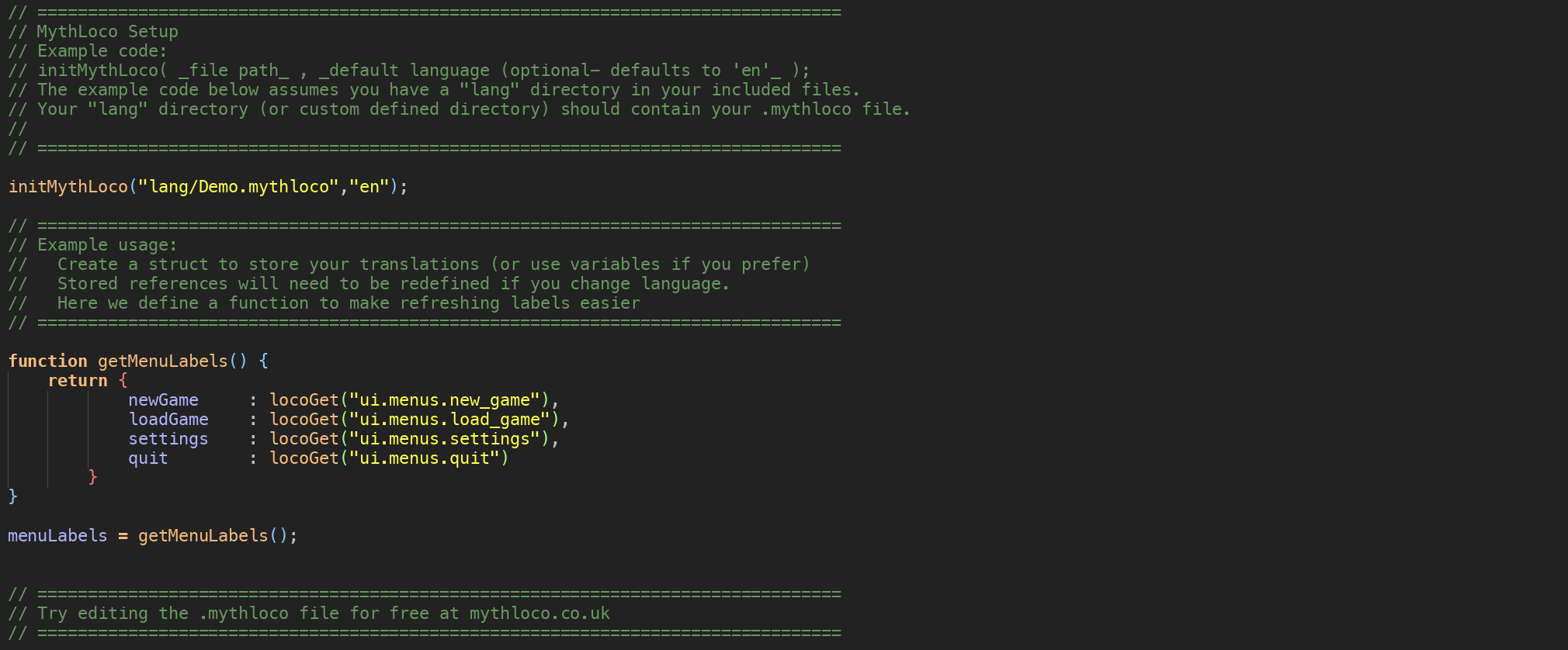
Code Example (Simple & Clear)
// Initialize localisation
initMythLoco("game_text.mythloco");
// Draw localized menu
draw_text(100, 100, locoGet("ui.start"));
draw_text(100, 150, locoGet("ui.quit"));
Switch languages at runtime:
if keyboard_check_pressed(vk_space) {
    locoSetLanguage("es"); // Switch to Spanish
}

Included in the Download
✔ MythLoco GameMaker SDK
✔ Setup & Quick Start Guide
✔ Ready-to-use functions
Who It’s For
🛠️ Solo devs who want clean localisation
👥 Teams with translators and writers
🌎 Anyone shipping games worldwide
This SDK is for Game Maker projects. MythLoco is compatible with any engine.
Download
Click download now to get access to the following files:

Leave a comment
Log in with itch.io to leave a comment.